
NEWS
REALTOR® Safety Month: Bright and Homesnap Pro Adding to Your Safety
Staying safe from harm when showing a property to buyers, previewing a property or holding an open house, requires extra vigilance on the part of agents. Agents need to be careful when they enter an empty home and when they are with an unfamiliar client. They should also be aware of the danger of being followed into a property by a criminal. Letting someone know where you are and having a system that alerts your emergency contacts is even easier with Homesnap Pro, which is included with your Bright MLS subscription.
Homesnap Pro offers multiple valuable features such as full integration with ShowingTime, extensive search capabilities and the ability to create a Rapid CMA. You can also rely on the Safety Timer feature as an extra precaution. The Safety Timer is quick and easy to set up on your phone—even when you’re busy visiting properties and meeting clients because it’s right in the app you’re already using to search for information. The safety feature syncs with the GPS in your phone, so you spend less time providing that information to your emergency contacts.
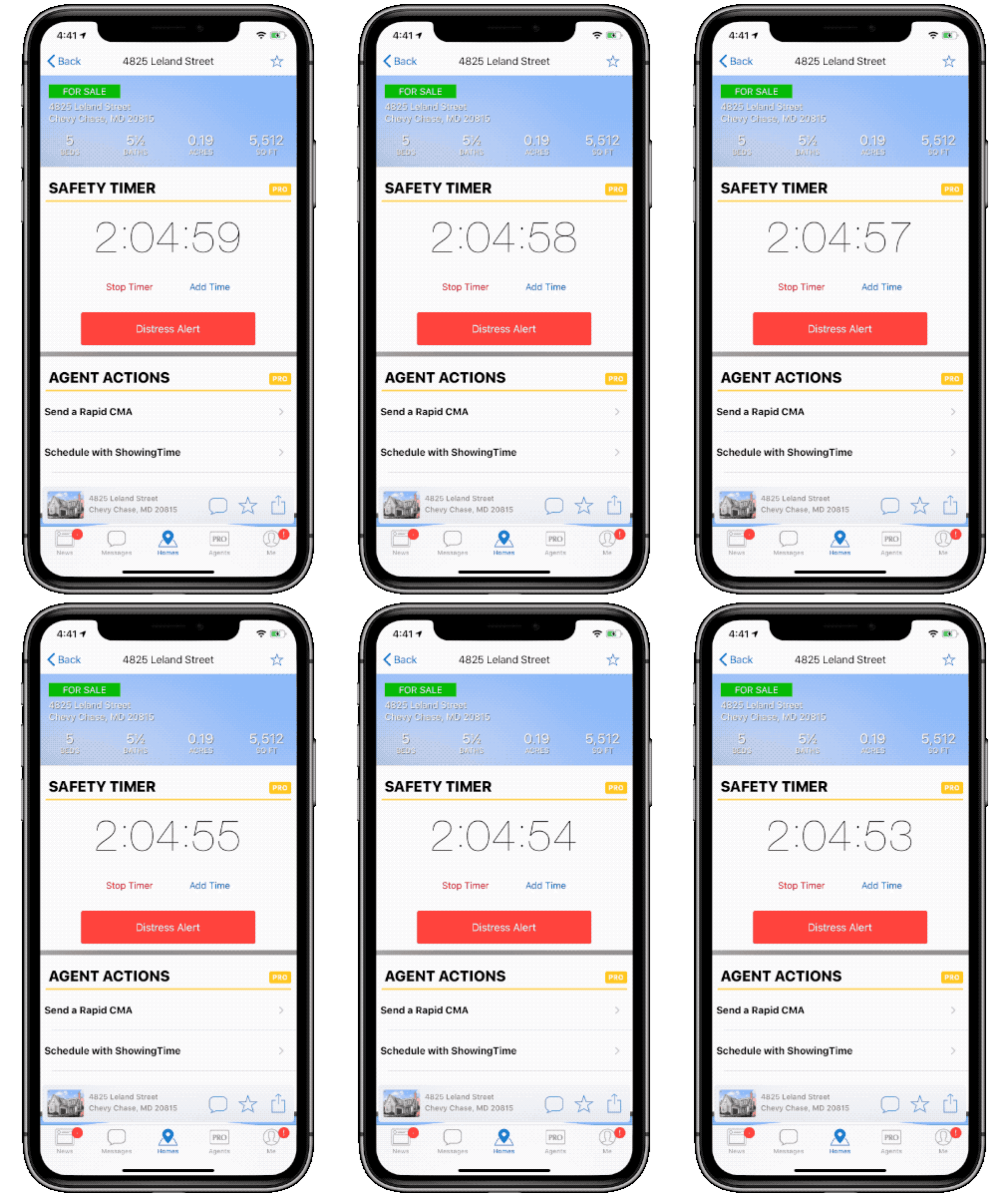
Follow these Simple steps when using the Homesnap Pro Safety Timer:
- Once you are within 2,000 feet of the property you’re about to visit, view the listing in the Homesnap Pro app.
- While you’re looking at the listing, the Homesnap Pro app will recognize that you’re nearby and a Start a Safety Timer button will pop up.
- Tap the button to get started and input how long you expect to be at the house.
- Select your emergency contacts from your list of contacts in your phone. These contacts will be texted if your timer expires without your input.
- The Homesnap Pro app will remember your emergency contacts the next time you use the Safety Timer.
- The timer will automatically start and will alert you when you have 10 minutes left on the timer. You can add more time or if you’re finished at the property, you can stop the Safety Timer.
- If you don’t respond and the Safety Timer ends, your emergency contacts will be texted with your location and your mobile number.
- If you feel unsafe at any time while the Safety Timer is on, you can send a text message with one tap on the Distress Alert button.
For a quick video tutorial on how to use the Homesnap Pro Safety Timer, visit homesnap.com/pro/safety.